Outreach
Install Outreach integration
The Outreach integration can be found here. Please install it in your environments before proceeding with the steps below.
Use your own Outreach OAuth app
Truto connects Outreach accounts through its own OAuth app, so this step is optional. To show your own app on the consent screen instead:
- Create an OAuth app in Outreach and add
https://api.truto.one/connect/outreach/callbackas its redirect URL. If you use a redirect URL on your own domain, add that URL instead. - Enter the app's Client ID and Client Secret on the installed Outreach integration. See Overriding OAuth credentials.
Connecting an Outreach account
-
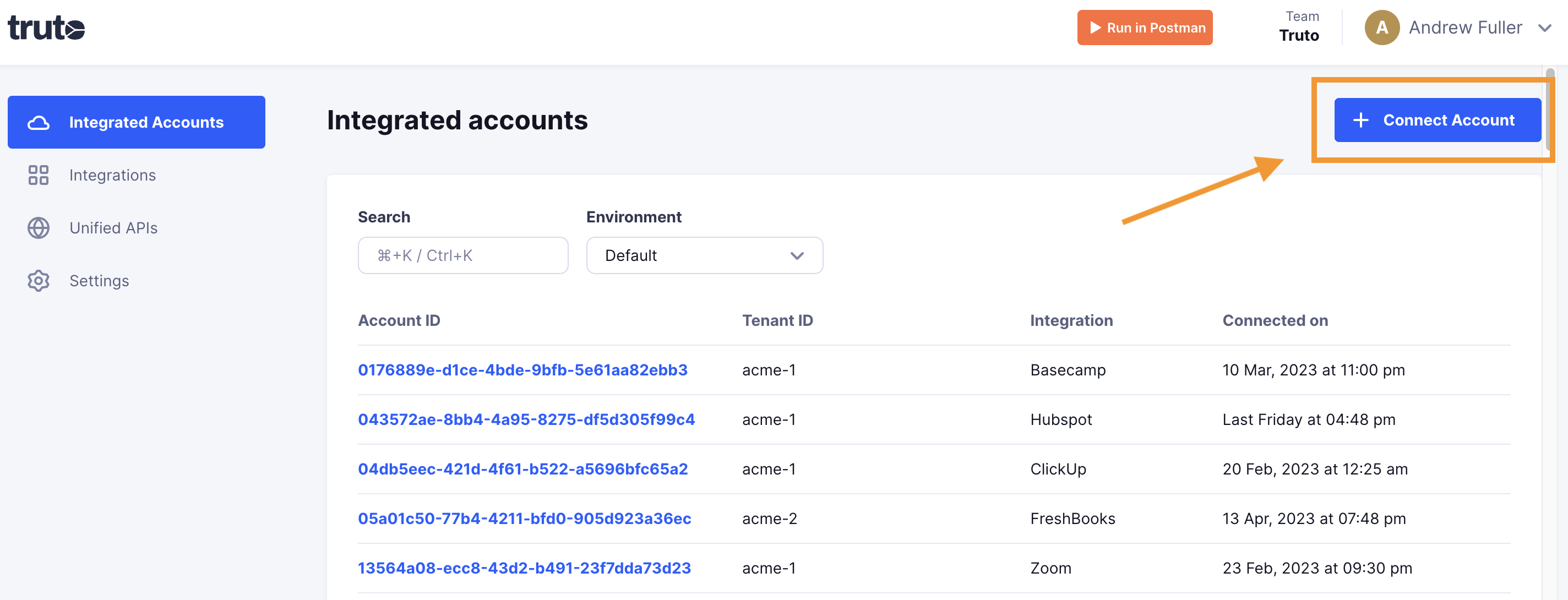
Click on Connect Account
-
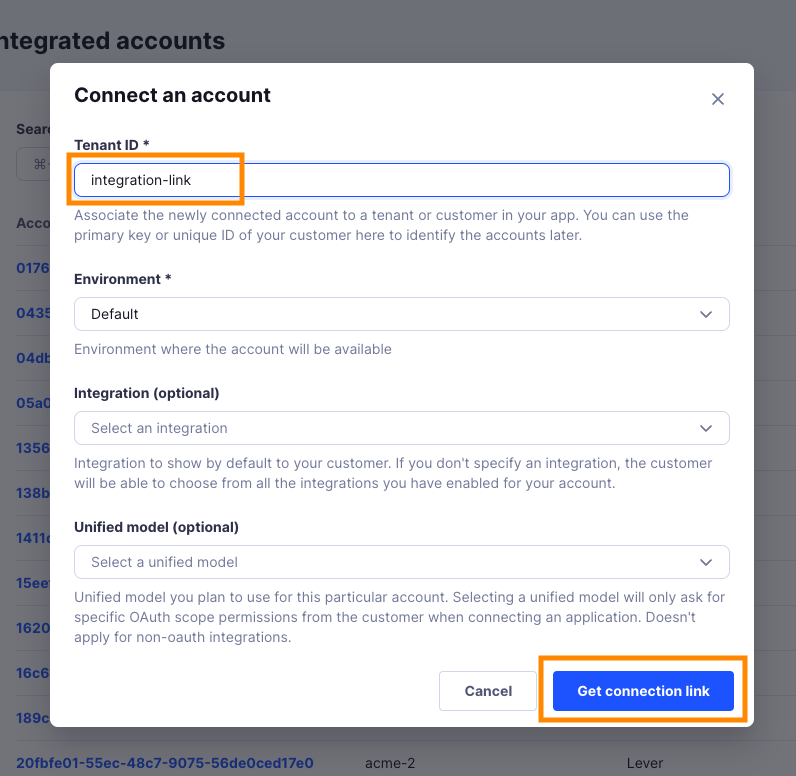
Type in a value for the Tenant ID. This can be any ID of your choosing. And then click on Get connection link
-
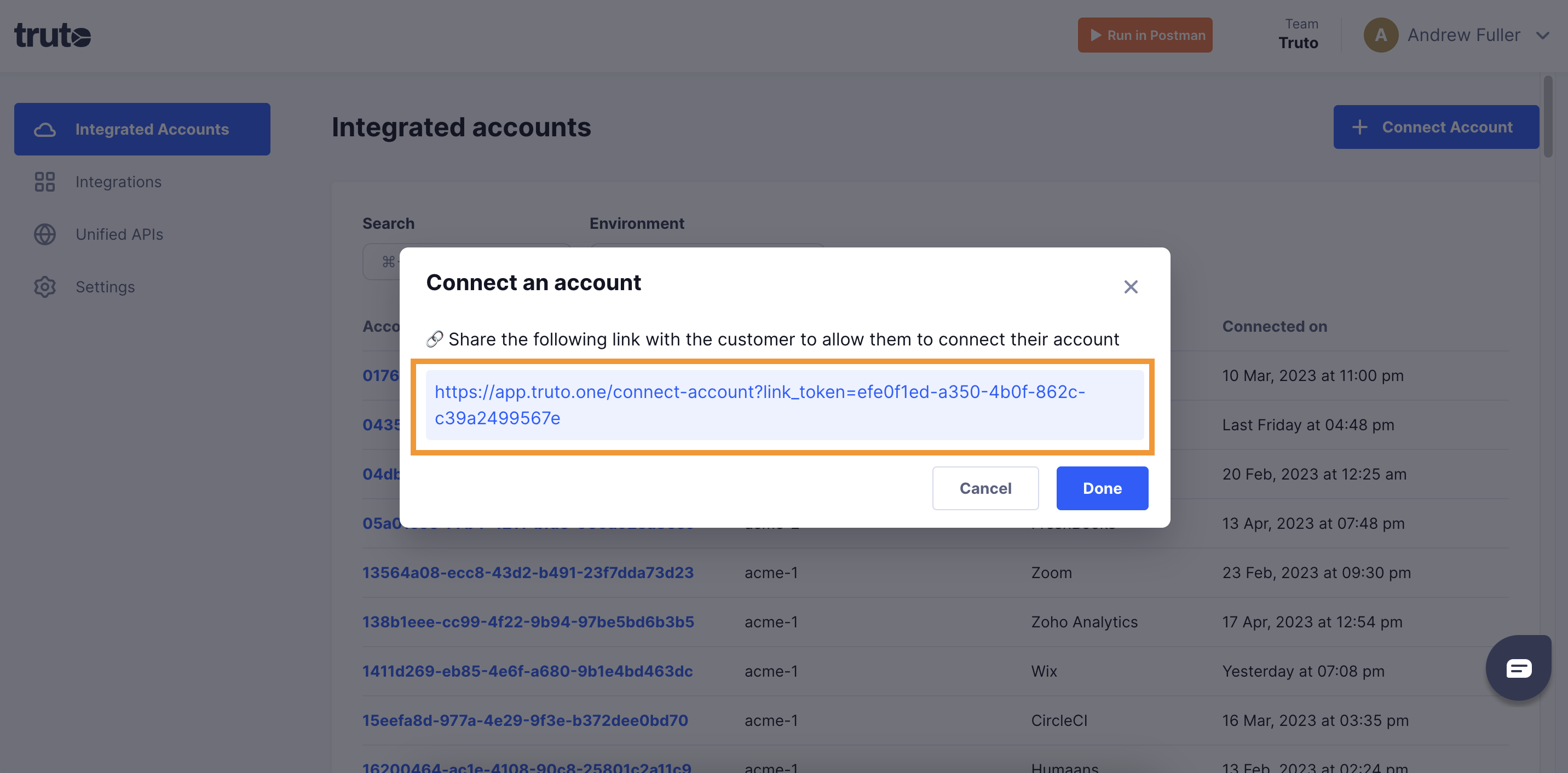
A new link will be generated. Clicking on the link will open a new tab with the list of integrations. You can share this link with your customers too, and they will be able to connect their Outreach account.
-
Select Outreach

-
You'll now be asked to log in to your Outreach account and allow access to Truto. Go through the steps.
-
You should now see a connection successful message. You can now close this tab.
-
Go to your Truto account, and you should see the new Outreach integration under Integrated Accounts. Click on the Account ID to view the details and initiate API calls.