Monday CRM
monday CRM connects with OAuth 2.0 through a monday.com app you own, or with a personal access token. After connecting, the end user picks which boards hold their contacts, accounts, leads, deals and activities.
Install the Monday CRM integration
Install Monday CRM from Available integrations in each environment you connect accounts from.
Create a Monday CRM OAuth app
Truto doesn't ship a Monday CRM OAuth app of its own, so bring yours. Until you set its Client ID and Client Secret on the installed integration, the connect UI offers Monday CRM only through the other methods. See Until the app is configured.
- Sign in to monday.com and click Developers in the top-right menu.

- In the Developer Center, choose Build App and configure your app. Under OAuth, add the redirect URL below.

- Copy the app's Client ID and Client Secret, and enter them on the installed monday CRM integration; see Overriding OAuth credentials.

Redirect URL:
https://api.truto.one/connect/mondaycrm/callbackIf you use a redirect URL on your own domain, register that URL instead.
Connect a Monday CRM account
- Click Connect Account.
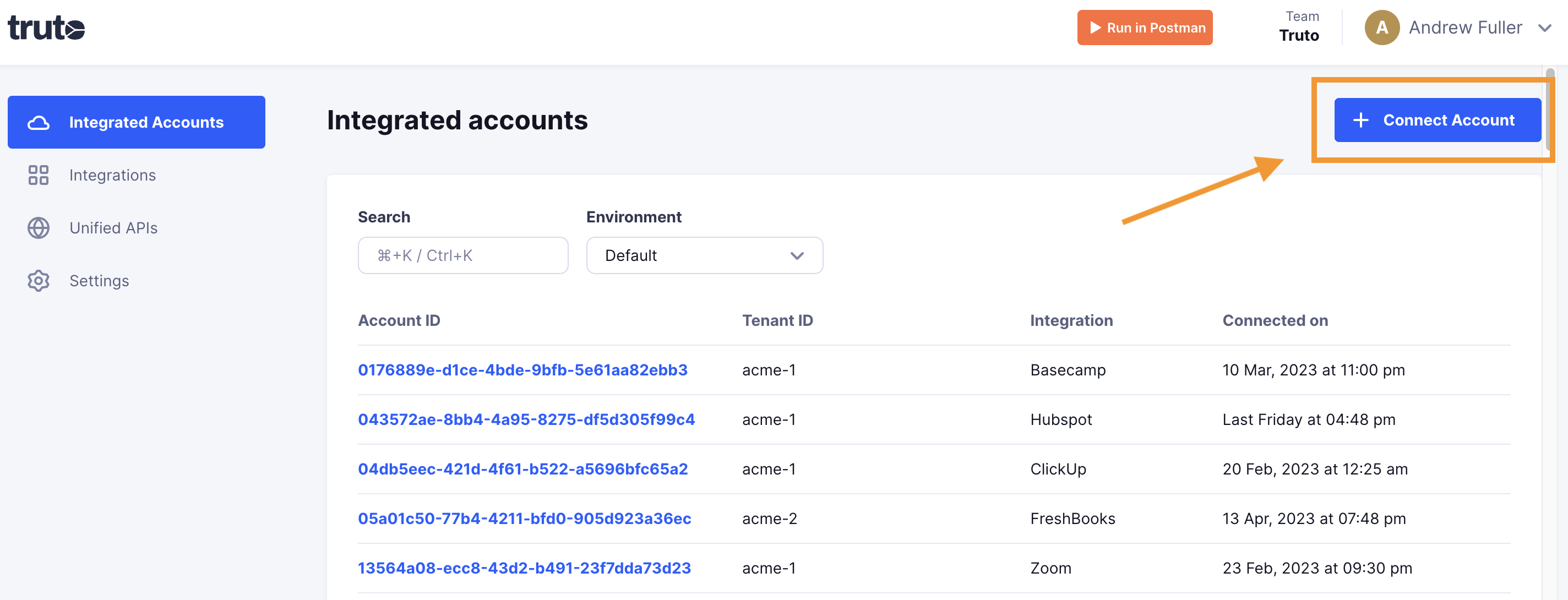
- Enter a Tenant ID. This can be any ID you choose. Click Get connection link.
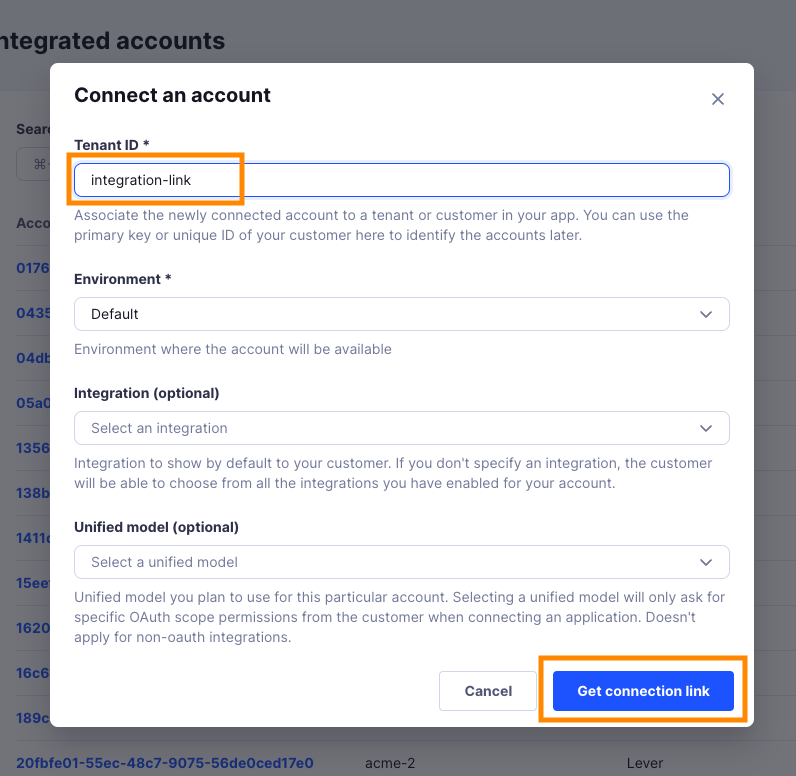
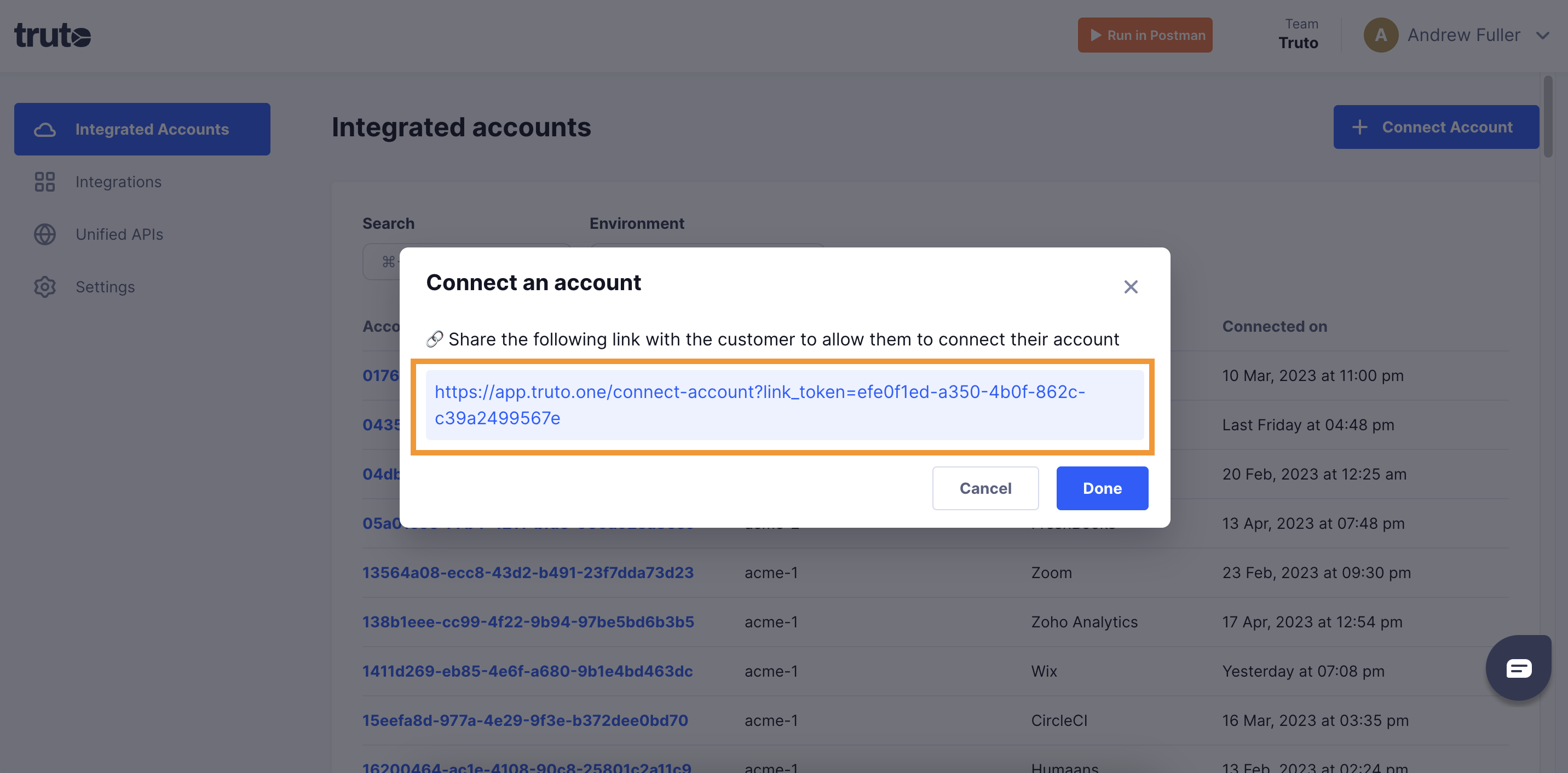
- Open the generated link. You can also share it with your customer so they connect their own Monday CRM account.
- Select Monday CRM.
- Pick an authentication method: OAuth 2.0, API Key. Each one is described below.
OAuth 2.0
Click Connect.
Sign in to monday.com and allow access.
API Key
Fill in the form and click Connect:
| Field | Required | What to enter |
|---|---|---|
| Access Token | Yes | A monday.com personal access token. In monday.com, click your profile picture, select Developers, and copy the token under My access tokens. |
The new account appears under Integrated Accounts. Click its Account ID to see its details and make API calls.
Pick the CRM boards
monday CRM keeps records on boards, so Truto asks which board holds what once the account connects. Pick a board from your account for each:
- Contacts Board
- Accounts Board
- Leads Board
- Opportunities Board
- Engagements Board