


Changelog
Product update of the week: Year 4 • Week 38

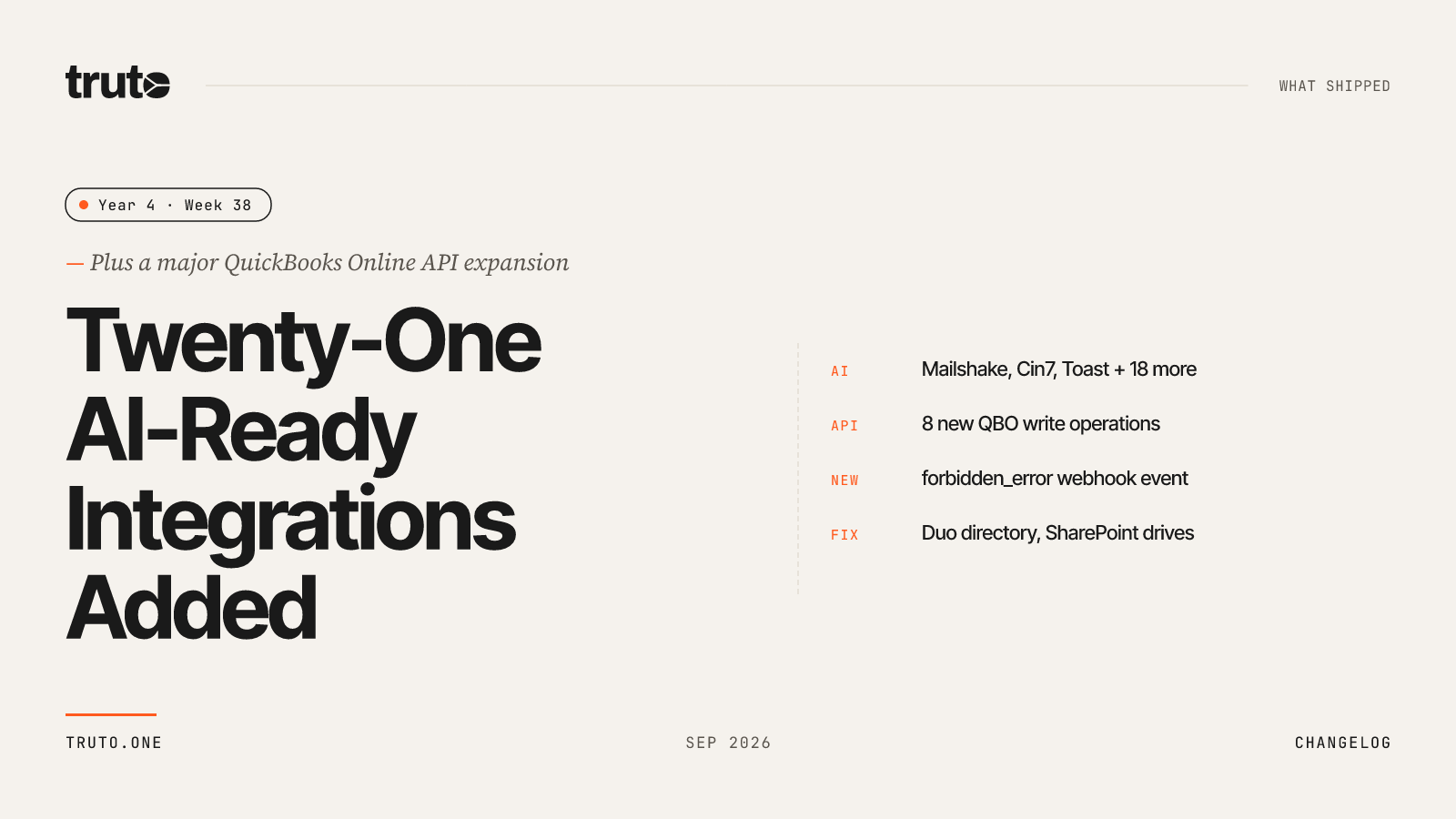
New in Truto: 21 new AI-ready integrations and a major QBO expansion
This week we added 21 new AI-ready integrations spanning e-commerce, accounting, time tracking, and sales engagement. QuickBooks Online picks up eight new write, update, and download operations on the Unified Accounting API. You can now subscribe to a forbidden_error webhook event, and we added a new Navan SCIM connector plus fixes for Duo and SharePoint.
✨ Highlights
- Added 21 new AI-ready integrations, including Mailshake, Cin7, Toast, and Salesloft, for building AI workflows.
- QuickBooks Online now supports eight new operations across Items, Tracking Categories, Payment Method, Journal Entries, Credit Notes, Vendor Credits, Payments, and Transactions.
- New
forbidden_errorwebhook event — get notified the moment an API call fails on permissions instead of only finding out on the next poll. - New Navan SCIM connector for provisioning and managing Navan users directly through Truto.
- Clearer warning when an integration needs OAuth credentials that aren't configured, both in the Dashboard and the customer-facing Connect UI.
- Fixed the Duo user-directory list silently returning admin accounts only.
- SharePoint: added version history support and fixed a gap where some drives weren't showing up in the drives list.
🤖 AI-ready integrations
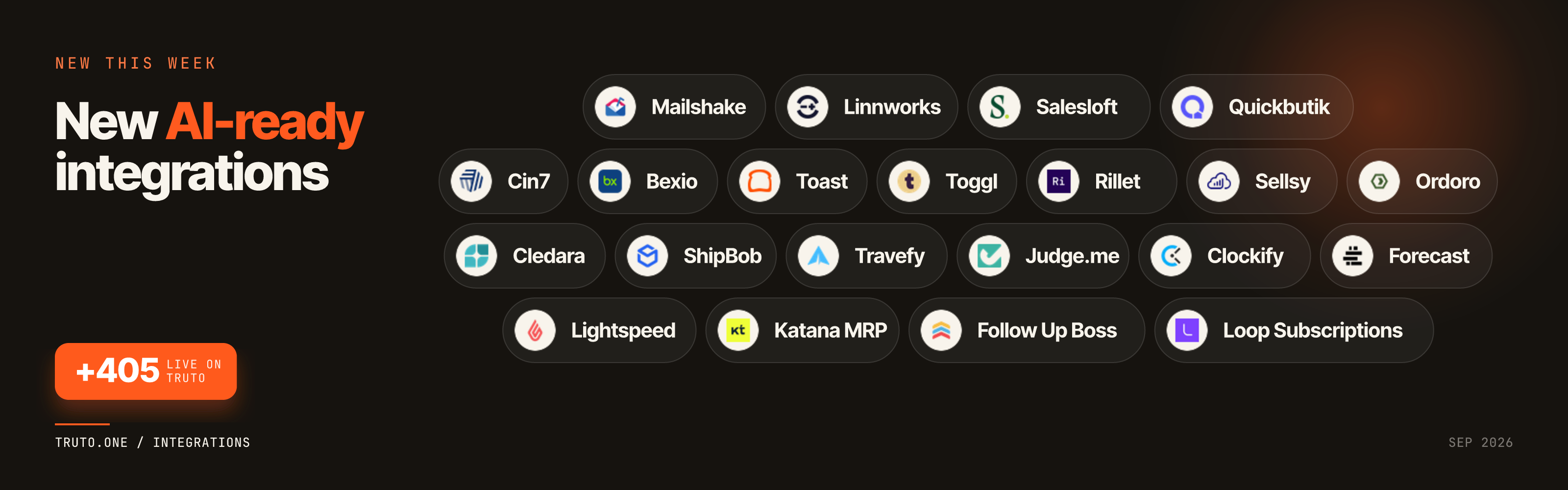
- Mailshake: Connect AI agents to Mailshake campaigns, leads, and outreach activity data.
- Cin7: Give AI agents real-time control over inventory, stock, sales/purchase orders, and carton fulfillment data.
- Judge.me: Let AI agents manage product reviews, reply to customers, render widgets, and handle review webhooks.
- Rillet: Connect AI agents to AR, AP, general ledger, billing, and financial reporting operations.
- Bexio: Give AI agents access to contacts, invoices, and accounting data for Swiss SMBs.
- Sellsy: Let AI agents manage contacts, deals, and invoices in Sellsy's CRM.
- Toast: Give AI agents access to restaurant orders, menus, payments, and POS data.
- Toggl: Let AI agents track time entries, projects, and workspace reports via Toggl.
- Cledara: Connect AI agents to SaaS subscription, spend, and vendor data.
- Clockify: Let AI agents manage time entries, projects, and team reports.
- Forecast: Give AI agents access to projects, tasks, and resource planning data.
- Quickbutik: Connect AI agents to orders, products, and customer data.
- Lightspeed: Give AI agents access to sales, inventory, and customer data.
- Loop Subscriptions: Let AI agents manage subscription plans, orders, and customer subscriptions.
- Linnworks: Connect AI agents to inventory, orders, and fulfillment across sales channels.
- Ordoro: Give AI agents access to shipping labels, inventory, and purchase orders.
- ShipBob: Let AI agents track orders, shipments, inventory, and fulfillment status.
- Travefy: Connect AI agents to trip itineraries, bookings, and client travel data.
- Follow Up Boss: Give AI agents access to leads, contacts, and real estate pipeline data.
- Katana MRP: Let AI agents manage inventory, production orders, and manufacturing data.
- Salesloft: Give AI agents access to Salesloft's unified user, group, role, and license directory data.
🔗 New Unified APIs
QuickBooks Online — expanded Unified Accounting API support
QuickBooks Online now supports the following operations on the Unified Accounting API:
- Update
accounting/items - Create and update Tracking Categories
- Create and update Payment Method
- Update
accounting/journal-entries - Update Credit Notes
- Create and update Vendor Credits
- Download Payments
- Transactions — create and send for Estimate; delete for Deposit, Transfer, Estimate, and Refund
⚙️ Platform Improvements
New forbidden_error webhook event
You can now subscribe to a forbidden_error webhook, so you're notified the moment an API call fails due to a permissions issue — instead of only finding out the next time you poll.
New Navan SCIM connector
Added support for Navan's SCIM API (bearer-token auth), so you can provision and manage Navan users directly through Truto.
Warning when OAuth credentials aren't configured
If you go to connect an integration that needs BYOA (bring your own auth) but has no OAuth app credentials set up in the environment, you'll now see a warning instead of a confusing failure. On integrations that only support OAuth, it tells you connecting will fail and links you straight to Integration Settings to add a client ID and secret.
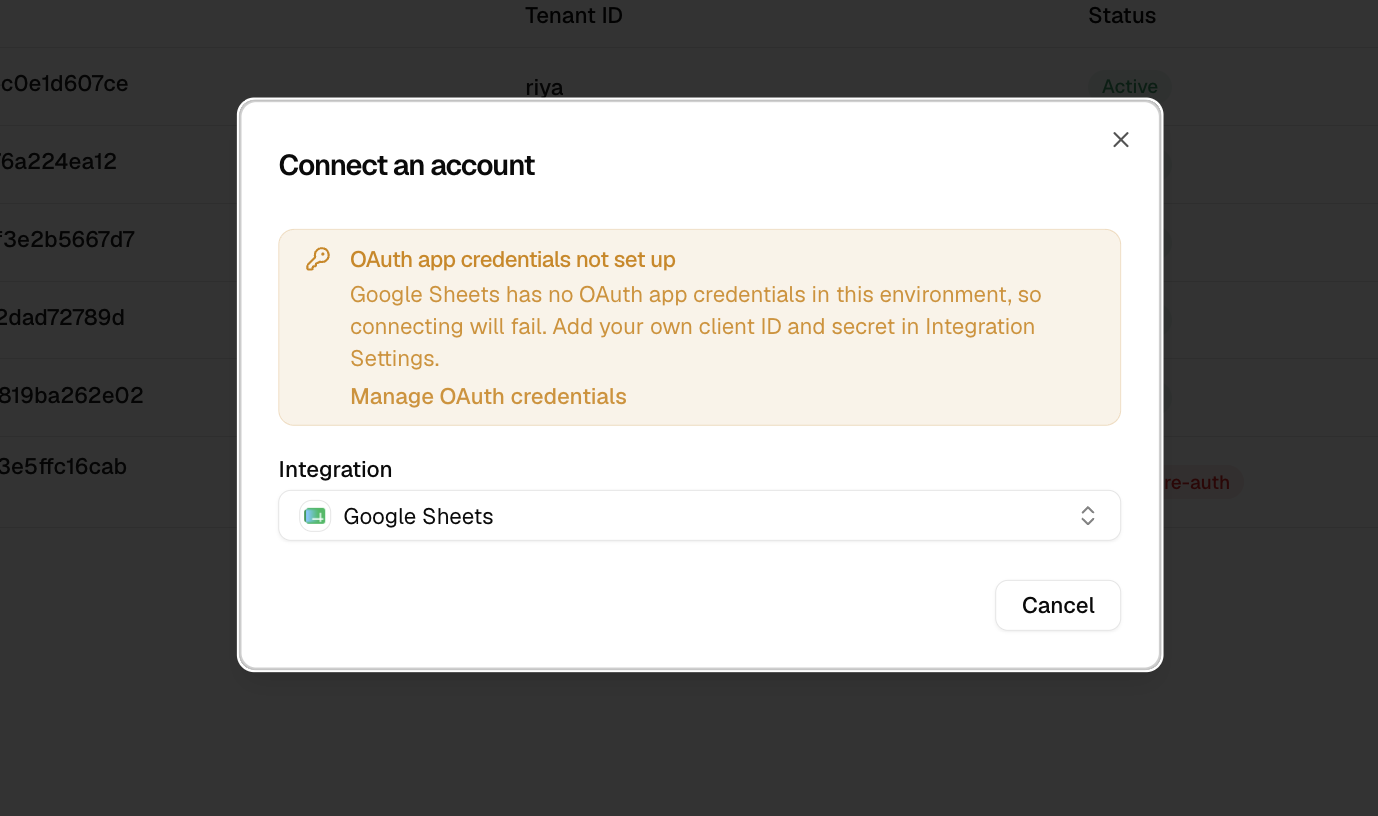
On integrations that also support another auth method, the same warning appears but notes you can still connect that way instead.
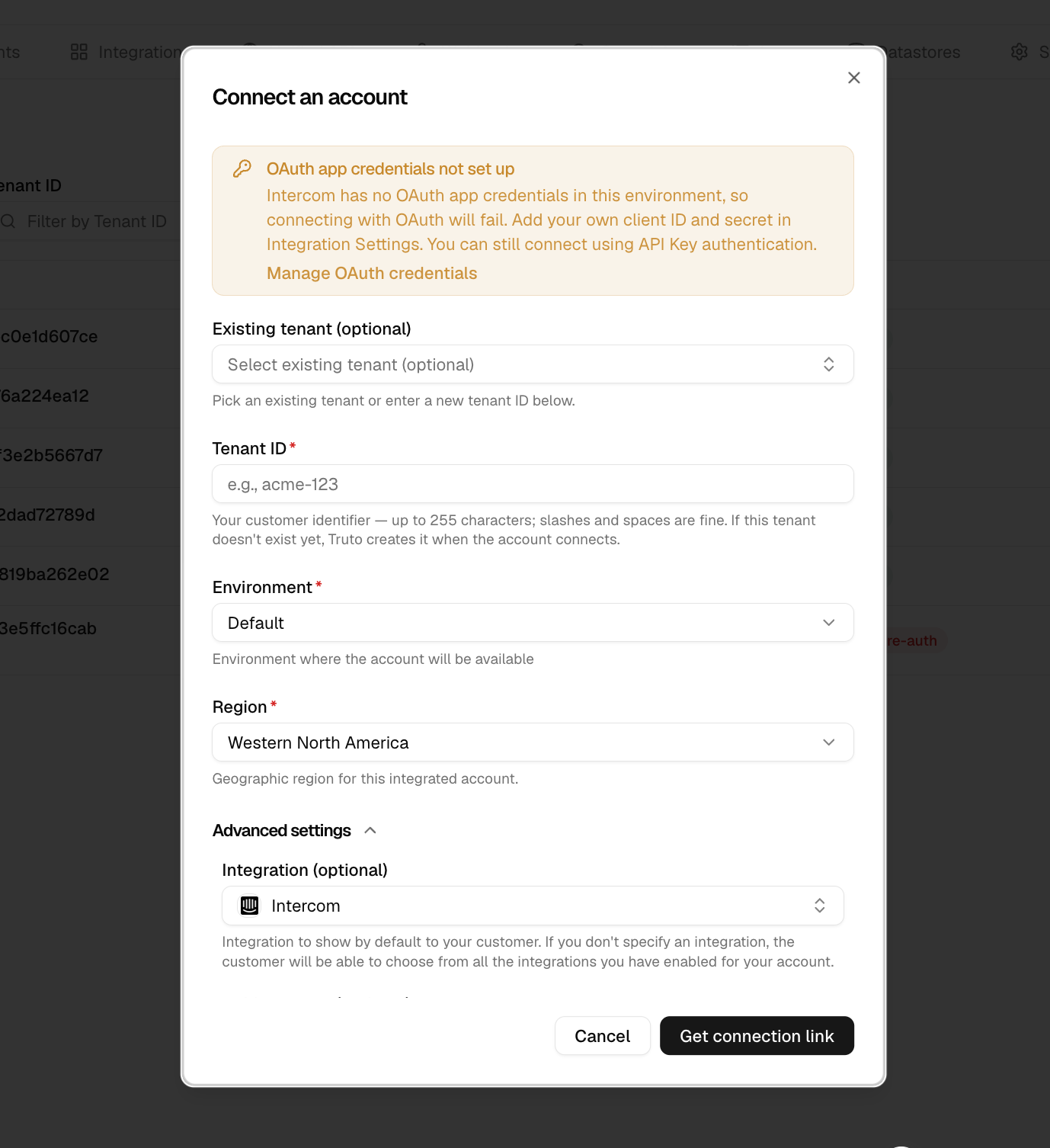
The customer-facing Connect UI shows the equivalent warning only when OAuth is the method actually selected — pointing customers to contact support rather than to an admin-only settings page.
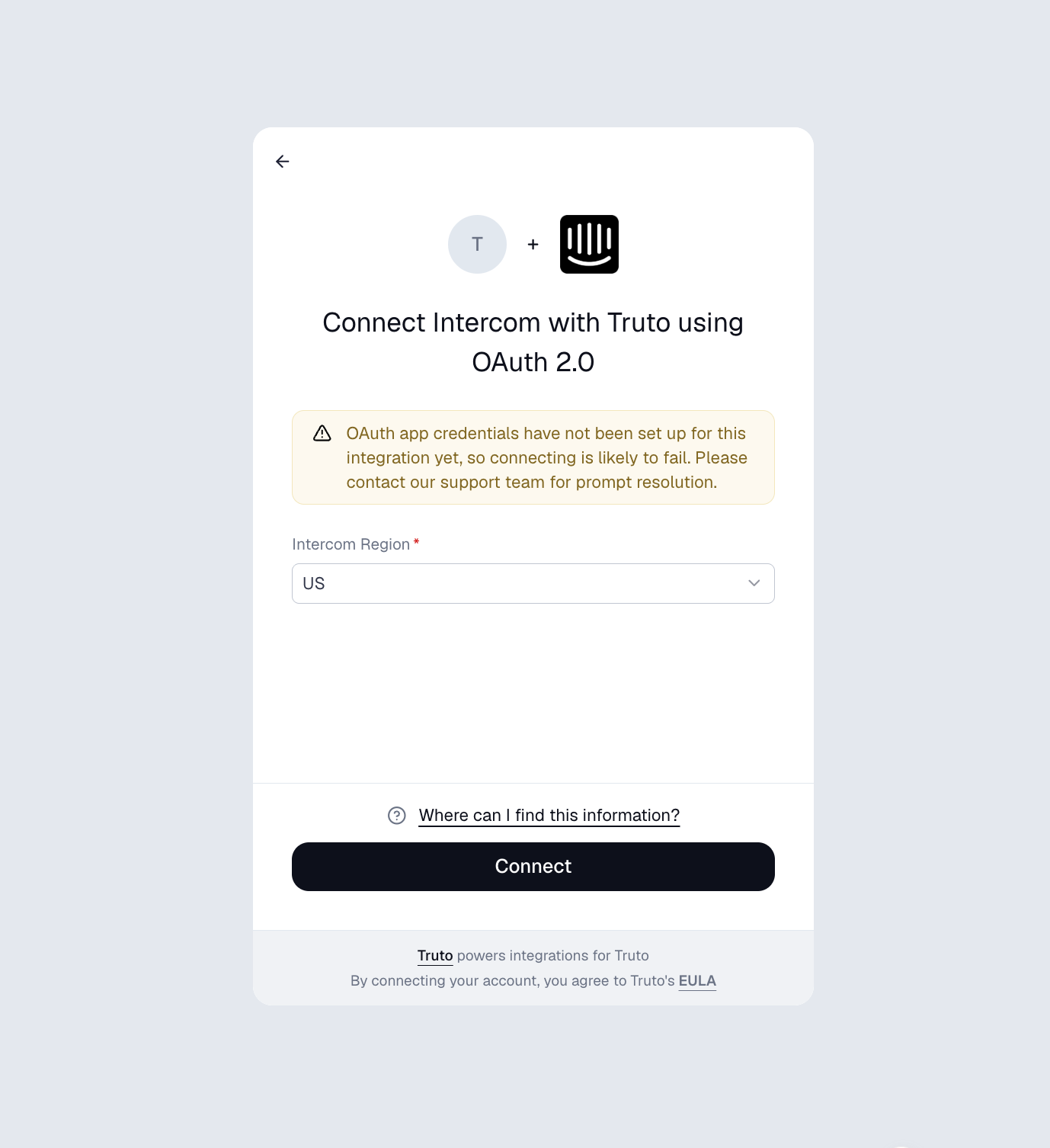
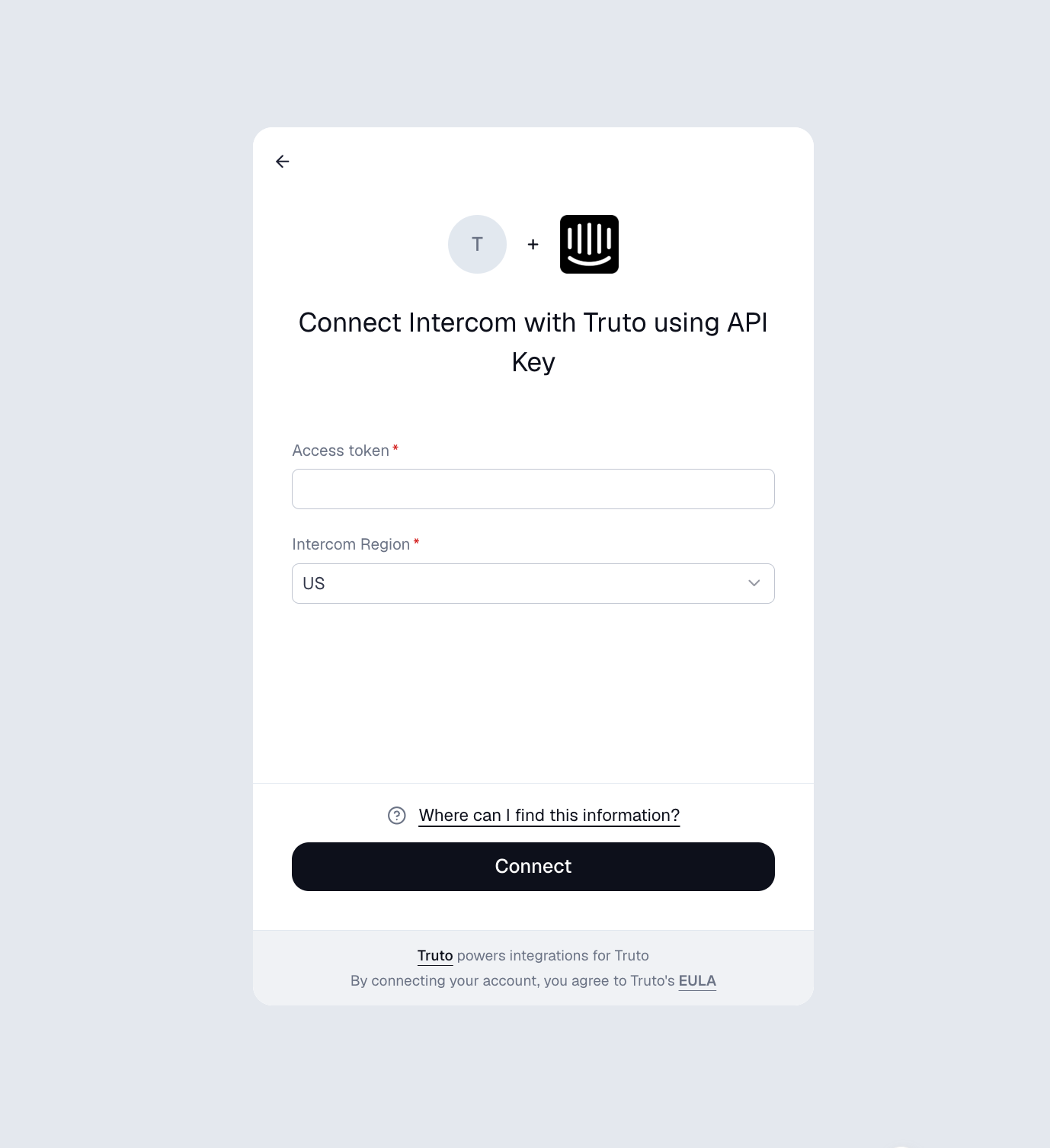
Pick a different auth method that doesn't depend on OAuth, like API Key, and the warning doesn't show at all.
Improved platform security
A few behind-the-scenes hardening fixes to keep your data and connections safer.
🛠️ Fixes and Reliability
- Duo: Fixed the user-directory list silently returning admin accounts only. Corrected in the base config, so every connected account now gets the complete user list.
- SharePoint: Added version history support, so you can now fetch document version history. Also fixed a gap where some drives weren't showing up in the drives list. Both are base catalog fixes, so they apply to every connected account.