For any MCP client
One URL per connected DataScope account. Paste it into Claude, ChatGPT, Cursor, Windsurf, VS Code, Cline, Zed or a custom agent.
Server URLhttps://api.truto.one/mcp/<token>
IntegrationsSurvey
Put DataScope in your product or your AI agent. Truto handles the sign-in and the token refresh, and keeps the connection working after launch.
 DataScope in your team’s AI




 14-day free trialUse Elaichi ↓

From the team behind Truto
Control plane for MCP servers
Put your team’s own apps to work in their AI. Connect an app once, and everyone’s AI can use it.
Works in
No credit card required · 1000+ apps
01Proxy API
Truto’s Proxy API is a 1-to-1 mapping of the DataScope API. You call us, we call DataScope, and pass the response back in the same cycle. Truto handles authentication and token refresh.
On every plan, including Free.
GEThttps://api.truto.one/proxy/answers?integrated_account_id=…
/proxy/locations/proxy/notifications/proxy/files/proxy/ticketsDataScope’s own response, passed back
02MCP server
Whatever your agent runs on, it gets DataScope tools for each customer’s account: through an MCP server, or straight from the tools API.
On every plan, including Free.
get_single_data_scope_form_schema_by_idGet the field schema of a selected form in datascope. Returns the schema object with its id and attributes containing the form's form-specific question and field definitions. Required: id.create_a_data_scope_hooks_flowRegister a hooks flow webhook in datascope that fires when a new answer is submitted for a form. Returns the registration outcome in result. Only one active connection per form is supported. Required: hooks_flow_id, subscription_url.list_all_data_scope_tasks_forms_flowsList the forms available in the Datascope account. Returns the form entries with their type, key, and label.list_all_data_scope_list_usersList the users available in the datascope account. Returns an array of user records with type, user_key, and identifier. Takes no query or body parameters.create_a_data_scope_power_automate_finding_changed_statusCreate a Power Automate trigger subscription in DataScope that fires whenever a ticket changes its status. Returns the registration outcome (result). Only one active connection per account is supported. Required: event, subscription_url, version, platform.create_a_data_scope_power_automate_new_task_assignedRegister a datascope trigger subscription so Power Automate flows fire when a new task is assigned on the selected form. Returns the registration outcome in result. Only one active connection per form is supported. Required: event, form_id, subscription_url, version, platform.create_a_data_scope_power_automate_new_pdfRegister a DataScope Power Automate trigger that fires when a new PDF is generated for a form by email backup or auto notify. Returns: result. Only one active connection per form is supported. Required: event, form_id, subscription_url, version, platform.create_a_data_scope_power_automate_change_statusRegister a Power Automate trigger subscription in datascope that fires when a form answer changes its status. Returns: result. Only one active connection per form is supported. Required: event, form_id, subscription_url, version, platform.create_a_data_scope_power_automate_new_signed_pdfRegister a Power Automate subscription in datascope for the new_signed_pdf event so the flow fires when a PDF is fully signed. Returns the registration outcome (result). Only one active connection per form is supported. Required: event, form_id, subscription_url, version, platform.create_a_data_scope_power_automate_new_rejected_pdfCreate a datascope Rejected Signature trigger subscription so a Power Automate flow fires whenever a PDF signature request is rejected on the monitored form. Returns: result. Only one active connection per form is supported. Required: event, form_id, subscription_url, version, platform.update_a_data_scope_power_automate_updated_pdf_signature_by_idSubscribe to datascope's Updated signature (Signatures) trigger, which fires when the signatures of a PDF are updated. Returns the subscription registration outcome (result). Only one active connection per form is supported. Required: event, form_id, subscription_url, version, platform.delete_a_data_scope_delete_hook_by_idDelete a webhook subscription in datascope, unsubscribing the hook for the given account. Returns an empty 204 response on success. Required: id, account_id, webhook_id.update_a_data_scope_answer_by_idUpdate the value of a single question in an already-submitted DataScope form answer, identified by the form's name and the answer's code. Returns: status, form_answer, id, name, code, list_type, length. Required: form_name, form_code, question_name, question_value.data_scope_answers_v_5List DataScope form answers through the Answers V5 (Beta) endpoint; version reproduces the response shape of earlier versions (v1-v4) and custom_fields unlocks extra data. Returns: created_at, updated_at, id, name, code, list_type, length. Max date range 90 days; default and max page size 200.list_all_data_scope_answersList recent form answers submitted to DataScope forms, with each question's value flattened into a dynamic top-level key named after the question. Returns: form_answer_id, form_id, form_name, form_state, user_name, code, created_at, latitude, longitude. Default and max 200 submissions; date range capped at 90 days.data_scope_answers_metadataList recent DataScope form answers with all questions grouped in a nested answers array and assigned-task location metadata. Returns: answers, form_answer_id, form_id, form_name, form_state, created_at, assign_id, assign_location_name, updated_at, finished.update_a_data_scope_answer_status_by_idChange the status of one submitted form answer in datascope; the change is recorded in the answer's history, fires status-change webhooks, and notifies the submitting user. Returns: key, identifier, id, name, code, list_type, length. Requires form_name, form_code, and form_state_id. Returns a 400 with an empty body when the form name, answer code, or status id does not match. Required: form_name, form_code, form_state_id.list_all_data_scope_answer_statusesList the answer statuses configured in your datascope account. Returns: key, identifier, id, name, code, list_type, length. Takes no parameters.list_all_data_scope_signature_requestsList datascope signature requests with their signers nested, ordered by updated_at ascending and keyset-paginated for incremental sync. Returns: deleted_at, created_at, updated_at, id, name, code, list_type, length. Max 200 per page.list_all_data_scope_locationsList all locations in the datascope account. Returns: id, name, description, code, list_type, length. No filters or paging.create_a_data_scope_locationCreate a location in datascope from the fields sent in the required location object (name, description, code, company_code, company_name, address, city, country, latitude, longitude, phone, email). Returns the created location with its id, name, code, address, and email.update_a_data_scope_location_by_idUpdate a location in datascope by id, sending the whole location object (read current values with Get All Locations first). Returns the location as it now stands, including its id, name, code, address, city, and email. Required: id, location.list_all_data_scope_list_elementsList all elements of a custom list in datascope, filtered by the list's internal code. Returns each element's id, name, description, code, list_id, and created_at/updated_at timestamps. Required: metadata_type.get_single_data_scope_list_element_by_idGet a single element of a custom list in datascope by its internal identifier. Returns the element's id, name, description, code, list_id, account_id, and created_at/updated_at timestamps. Required: metadata_type, metadata_id.create_a_data_scope_list_elementCreate a new element in a custom list in datascope: the target list is identified by the metadata_type query parameter and the element fields are sent as list_object in the body. Returns: id, name, description, code, created_at, updated_at, metadata_type. Not for locations lists — use the locations endpoints. Required: metadata_type and list_object. Returns 422 on wrong parameters and 403 when…update_a_data_scope_list_element_by_idUpdate an existing element of a custom list in datascope by sending the full list_object in the body and the element's id in the path. Returns the updated element's id, name, code, list_type, and length. Required: id and list_object. Returns 422 on wrong parameters and 403 when forbidden.data_scope_list_elements_bulk_updateBulk replace all elements of a custom list in datascope: existing objects for the metadata_type are deleted and replaced by the list_objects provided, with codes absent from the payload soft-deleted (experimental, destructive). Returns the list's id, name, code, list_type, and length. Required: metadata_type, name, and list_objects. Rejects the locations metadata_type with 400.create_a_data_scope_listCreate an empty list in DataScope. Returns the created list object including id, name, description, code, list_type, and length. Send the list attributes (name, description, code, list_type) under a top-level list object. Required: list.update_a_data_scope_list_by_idUpdate an existing DataScope list by id. Returns the updated list object including id, name, description, code, list_type, and length. Send the list attributes (name, description, code, list_type) under a top-level list object. Required: id, list.get_single_data_scope_task_assign_by_idGet a single task assignment in datascope by id — use the internal id, not assign_id. Returns the full record including assign_id, response_code, form_name, user_email, completed, on_time, delay_time, and status. Required: id. Returns 404 when the assignment does not belong to this account.list_all_data_scope_task_assignsList task assignments in datascope for the authenticated account, matching the platform's Excel export plus the internal id. Returns the task_assigns array plus total, limit, and offset; records include assign_id, form_name, user_email, completed, on_time, and status. Omit start and end to return all history.list_all_data_scope_notificationsList DataScope notifications about PDF and Excel documents users were notified about in a date range. Returns: id, type, url, form_name, form_code, user, created_at, name, code, list_type, length. The window defaults to the last 7 days.list_all_data_scope_filesList PDF and Excel files DataScope generated in a date range, returning download links rather than file contents. Returns: id, url, form_name, form_code, user, name, code, list_type, length. The window defaults to the last 7 days when no range is supplied.create_a_data_scope_fileCreate a new form answer and generate its PDF from an existing DataScope form template (beta Send Data action). Returns: ok, form_answer_id, id, name, code, list_type, length. Additional parameters are treated as answers to the form's questions; not all question types are supported and GSheet Sync and webhook triggers are not fired. Required: form_id.list_all_data_scope_ticketsList datascope tickets created within a date range. Returns: id, code, name, description, list_type, length. Dates use dd-mm-yyyy format, the range defaults to the last 7 days, and may not exceed 90 days.get_single_data_scope_ticket_by_idGet a single datascope ticket by id. Returns the ticket with id, code, name, type, status, priority, ISO 8601 dates, location_name, creator_name, and comma-separated assignees and invitees. Required: id (the Firestore document id from the ticket URL).data_scope_tickets_recentList the five most recently created datascope tickets. Returns the ticket fields id, name, type, status, priority, creation_date, and assignees. No parameters or filtering.data_scope_tickets_typesList the datascope ticket types configured in the account. Returns: id, name, code, list_type, length.No tool matches.
One URL per connected DataScope account. Paste it into Claude, ChatGPT, Cursor, Windsurf, VS Code, Cline, Zed or a custom agent.
Server URLhttps://api.truto.one/mcp/<token>
One call returns every DataScope tool for an account, with its description and JSON schema, ready for any LLM framework.
GEThttps://api.truto.one/integrated-account/<id>/tools
Tools come as JSON schema, so they plug into any agent framework.
Tools are generated from curated documentation, not hand-coded. As the integration changes, the tools stay current.
Scope each MCP server to read-only, write-only, specific methods or tagged tool groups. Expose only what the agent needs.
Each MCP server is scoped to one connected account with its own credentials. Nothing leaks across tenants.
Tool descriptions and schemas are editable in your Truto account. A change updates at once, with no deploy.
Tool calls run through Truto’s proxy layer, with OAuth refresh, rate-limit handling and normalized errors.
Create time-limited servers for contractors or automated workflows. Optionally require a Truto API token as well.
03Unified API
The Unified Forms API gives every Forms app the same call and the same data shape. DataScope is not mapped to it yet. Map it yourself, or ask us.
Then: one call for every Forms app
Path 1 Self-serve
Path 2 We do it
Price Add-on
04Sync and webhooks
A sync job reads DataScope records on a schedule and sends each page to your webhook or your datastore. Signed webhooks tell you when an account connects or needs to sign in again.
On every plan, including Free.
05Custom actions
Need a DataScope endpoint or method that is not here yet? Add it with the Truto CLI and your coding agent, or call any DataScope path through the Custom API.
On every plan, including Free. Truto CLI →
For your own AI tools
Truto puts DataScope in the product you build. To use DataScope yourself, in the AI your team already has, we recommend Elaichi.
For your product
Give the AI in your product access to each customer’s own DataScope account, with one MCP server per connected account.
Rather talk it through? Book a demo

For your own team
Connect your company’s DataScope once, then ask in the AI you already use, with exactly your own access.
Works in
From the team behind Truto · 14-day free trial
Use cases
Enterprise Asset Management vendors can offer DataScope as a native integration so field-reported defects and findings automatically become work orders in their platform, closing the loop between mobile inspections and asset maintenance.
Construction, HSE, and compliance SaaS platforms can subscribe to signed PDF events from DataScope and ingest completed audit documents with GPS metadata directly into their compliance dashboards for audit-ready record keeping.
Field Service Management tools can push task assignments into DataScope so technicians receive the right form on their mobile device, eliminating double entry between the dispatch system and the field app.
CRMs serving field sales teams can pull structured answers, photos, and GPS coordinates from DataScope forms to update customer records and advance deal stages when a site visit is completed.
ERP, HR, and inventory platforms can bulk-replace DataScope lists and locations nightly, ensuring field workers always select from an accurate catalog of equipment, clients, sites, or materials.
What you can build
Listen to new signed, rejected, or updated PDF events and automatically ingest the generated document into your platform with full form metadata.
Pull DataScope tickets with priority, status, assignee, and location, and react to status changes via webhooks to mirror findings as issues in your product.
Create and monitor task assignments tied to a specific form and user email, and track completion, on-time rate, and delay metrics from your dashboard.
Fetch answers via the Answers V5 endpoint to pull nested form responses enriched with latitude, longitude, timestamps, and form state IDs into your analytics or system of record.
Push master data from your users' ERP or CRM into DataScope lists and locations using bulk update endpoints, keeping dropdowns consistent across systems.
Subscribe to change_status and finding_changed_status events to trigger downstream workflows in your app the moment a field worker updates a task or finding.
Security
Customer records are not kept. Truto fetches them when your product asks and passes them on.
Where an app signs in with OAuth, use Truto’s OAuth apps or your own, on every plan. Each customer’s login is kept encrypted (AES-256) while connected.
SOC 2 Type II, ISO 27001, GDPR and HIPAA. CASA Tier 2, verified by TAC Security. Trust Centre →
How it works
Use Truto’s frontend SDK to connect your customer’s DataScope account. We handle all OAuth and API key flows — you don’t need to create the OAuth app.
Don’t spend time refreshing access tokens or figuring out secure storage. We handle it and inject credentials into every API request.
Truto’s Proxy API is a 1-to-1 mapping of the DataScope API. You call us, we call DataScope, and pass the response back in the same cycle.
Every response follows a single format across all integrations. We translate DataScope’s pagination into unified cursor-based pagination. Data is always in the result attribute.
FAQs
Truto handles the DataScope auth flow so your users connect their DataScope account once from your product. Your application calls Truto's unified endpoints without storing or rotating DataScope API credentials directly.
You can create event subscriptions for new_task_assigned, change_status, finding_changed_status, new_pdf, new_signed_pdf, and new_rejected_pdf. These let you react to task dispatch, form state changes, finding updates, and PDF lifecycle events without polling.
Yes. The Answers V5 endpoint returns detailed form responses in nested or flattened JSON, including latitude, longitude, assignment location, timestamps, and form state IDs so you can tie submissions back to where and when they were completed.
Yes. You can list users, create task assignments tied to a form_id and user_email, and read back execution metrics such as completed, on_time, and delay_time to monitor field performance from your product.
Use the bulk update endpoint for list elements to replace entire lists in a single operation. This is designed for nightly batch syncs from an ERP or CRM, and is paired with CRUD endpoints for locations and individual list elements when you need incremental updates.
Yes. You can list tickets, fetch a single ticket by ID, retrieve recent tickets, and query ticket types. Combined with the finding_changed_status webhook, this supports two-way sync between DataScope Findings and external issue trackers.
From the blog
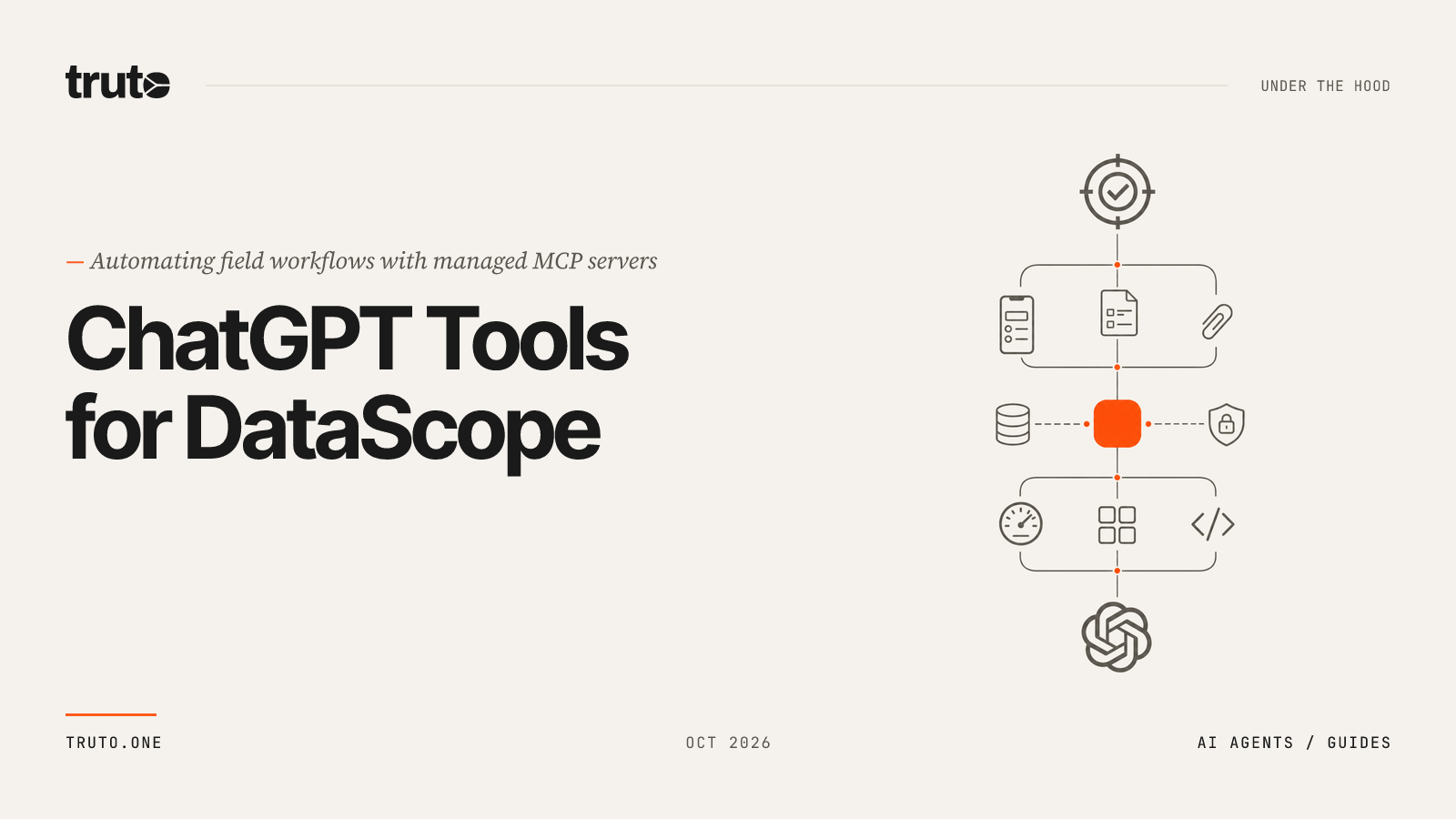 Connect DataScope to ChatGPT: Manage Mobile Forms, Tasks, and TicketsLearn how to connect DataScope to ChatGPT using Truto's managed MCP server. Automate mobile form answers, field tasks, and ticketing workflows with AI agents.
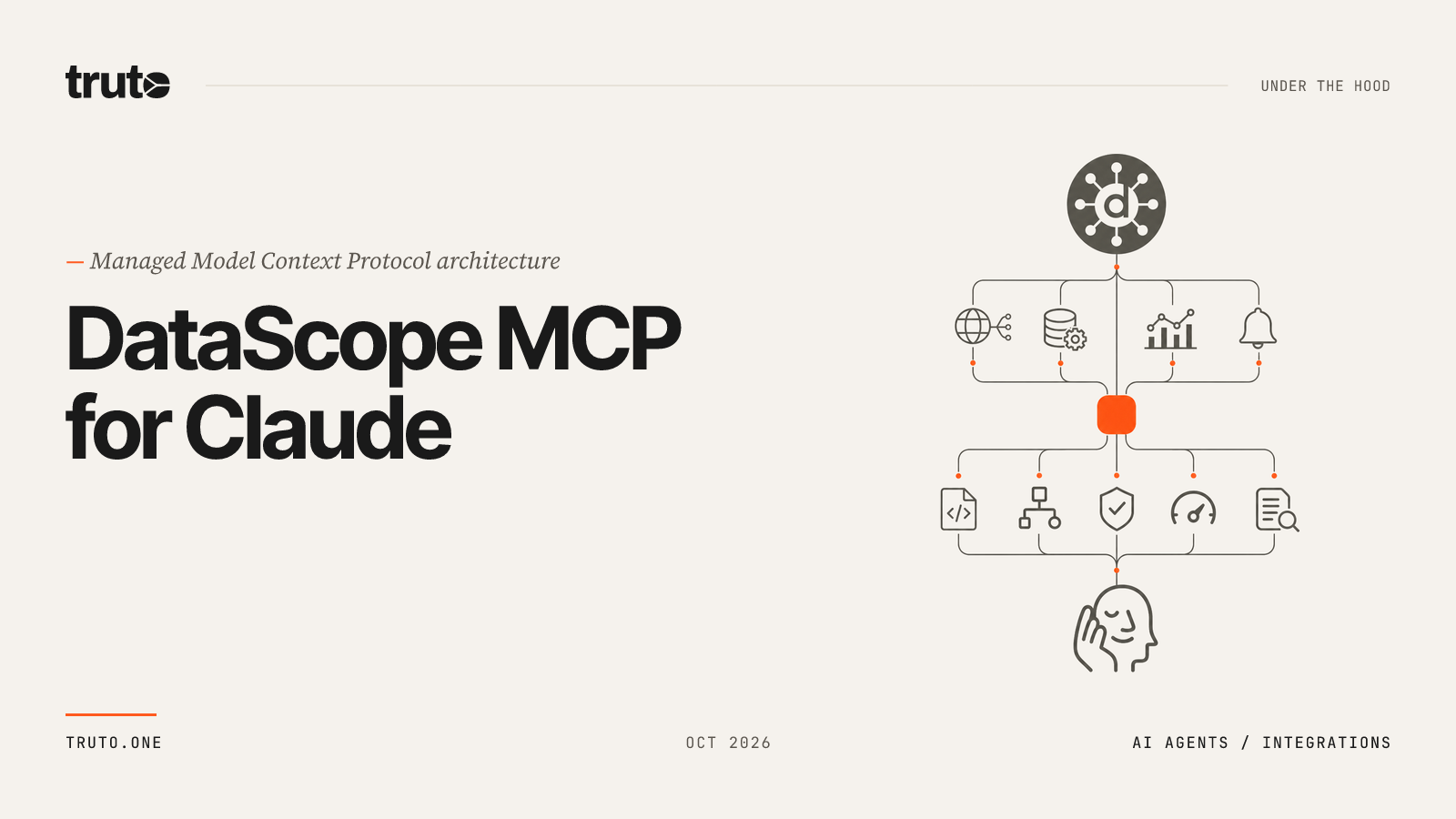 Connect DataScope to Claude: Sync Field Data, Lists, and Form AnswersLearn how to connect DataScope to Claude using a managed MCP server. Sync form answers, manage mobile workforce tasks, and automate field data operations.
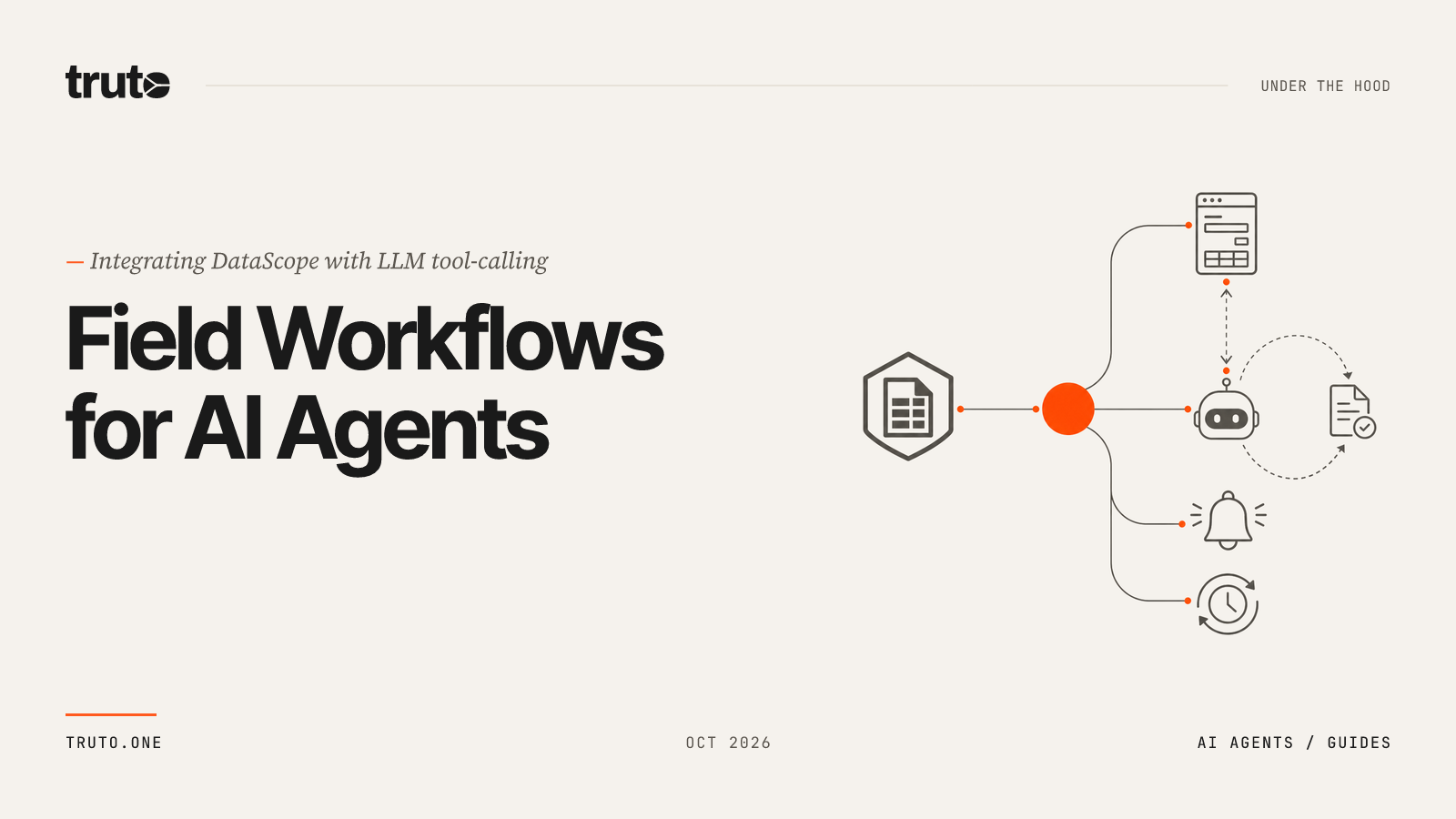 Connect DataScope to AI Agents: Orchestrate Field WorkflowsLearn how to connect DataScope to AI agents using Truto's /tools endpoint. Build autonomous field service, location management, and mobile form workflows natively.
DataScope
Sign up free, connect a test DataScope account and make your first call today. No card and no sales call.


