


Changelog
Product update of the week: Year 4 • Week 34

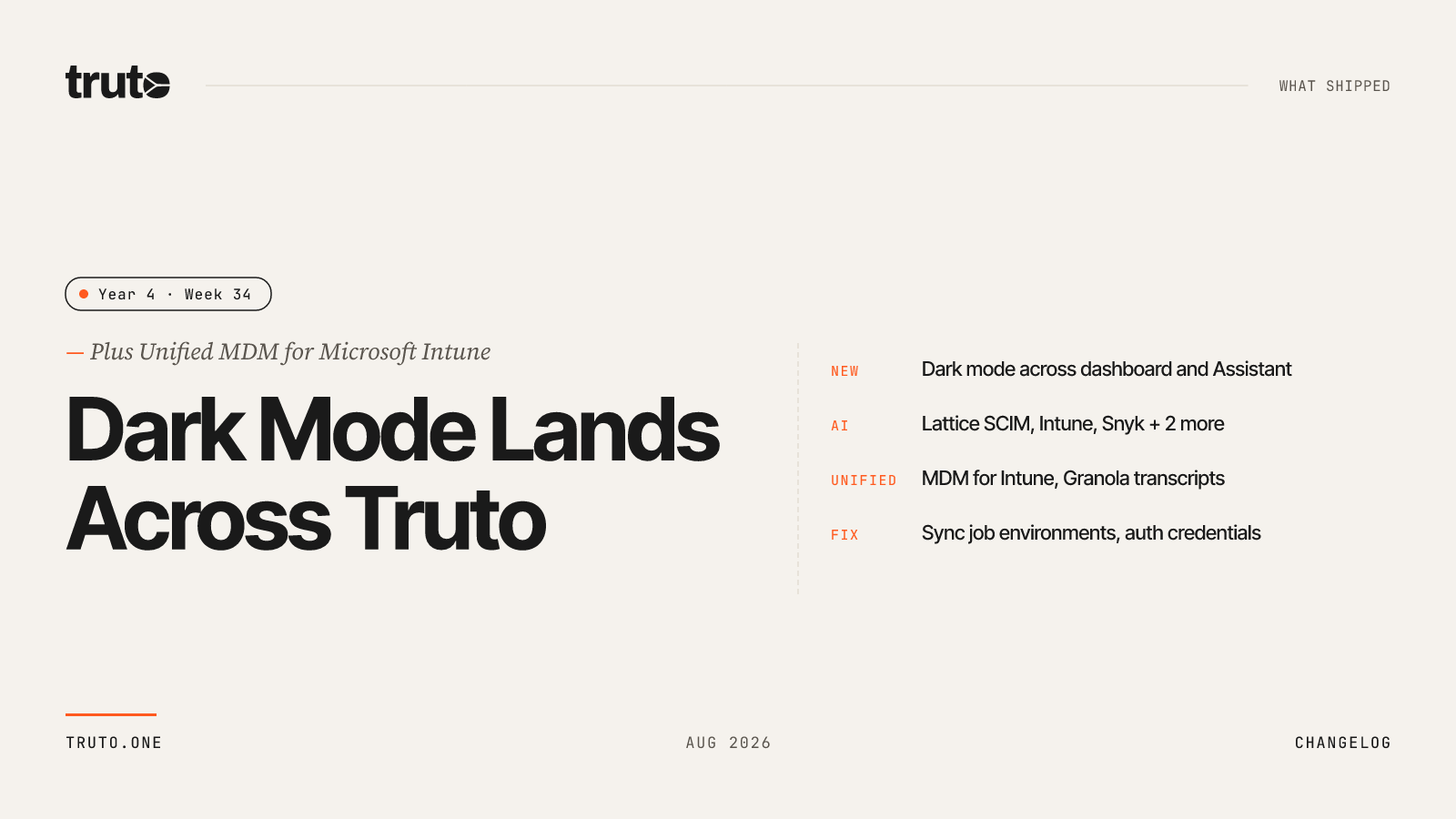
New in Truto: dark mode, Unified MDM for Intune, and 5 new AI-ready integrations
This week we shipped dark mode across the entire app, so the dashboard, settings, and Assistant all follow one consistent theme. We also added 5 new AI-ready integrations, brought Microsoft Intune onto the Unified MDM API, and made Granola available through the Unified Conversational Intelligence API. On top of that, we fixed environment handling for sync jobs and credential retention when switching auth methods.
✨ Highlights
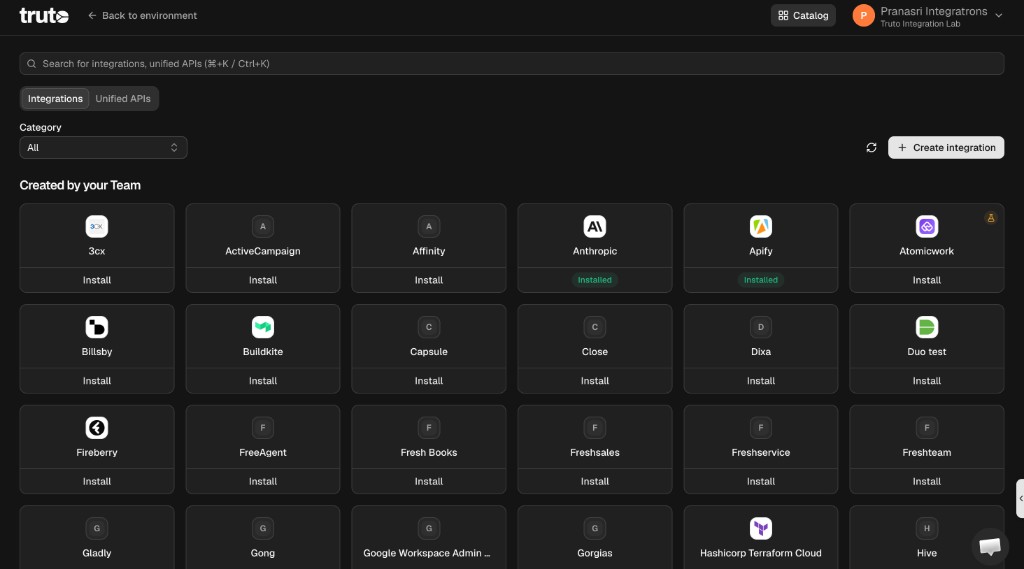
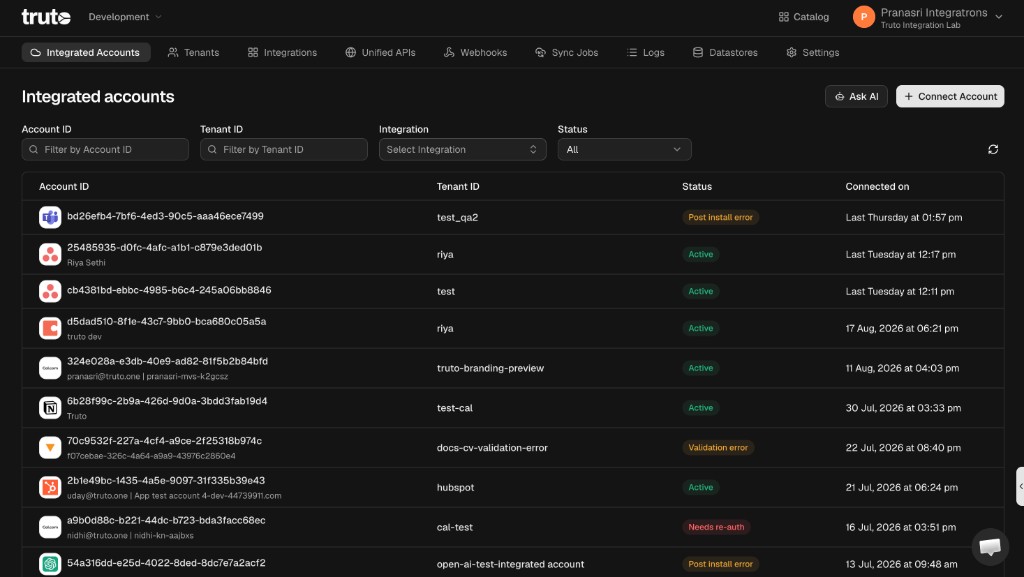
- Dark mode: Use Truto in light mode, dark mode, or match your device theme automatically.
- 5 new AI-ready integrations: Lattice SCIM, Microsoft Intune, Snyk, Microsoft Dynamics 365 Business Central, and Now Book It.
- Microsoft Intune: Added Unified MDM API support for
mdm/devices,mdm/apps,mdm/users, andmdm/organizations. - Granola: Added Unified Conversational Intelligence API support for
conversational-intelligence/meetings,transcripts, andusers. - Truto Assistant: Mapping changes now apply to the integration you are working on instead of a shared default.
- Fixed sync jobs being created in the wrong environment, and credentials being dropped when switching an account's auth method.
🤖 AI-ready integrations
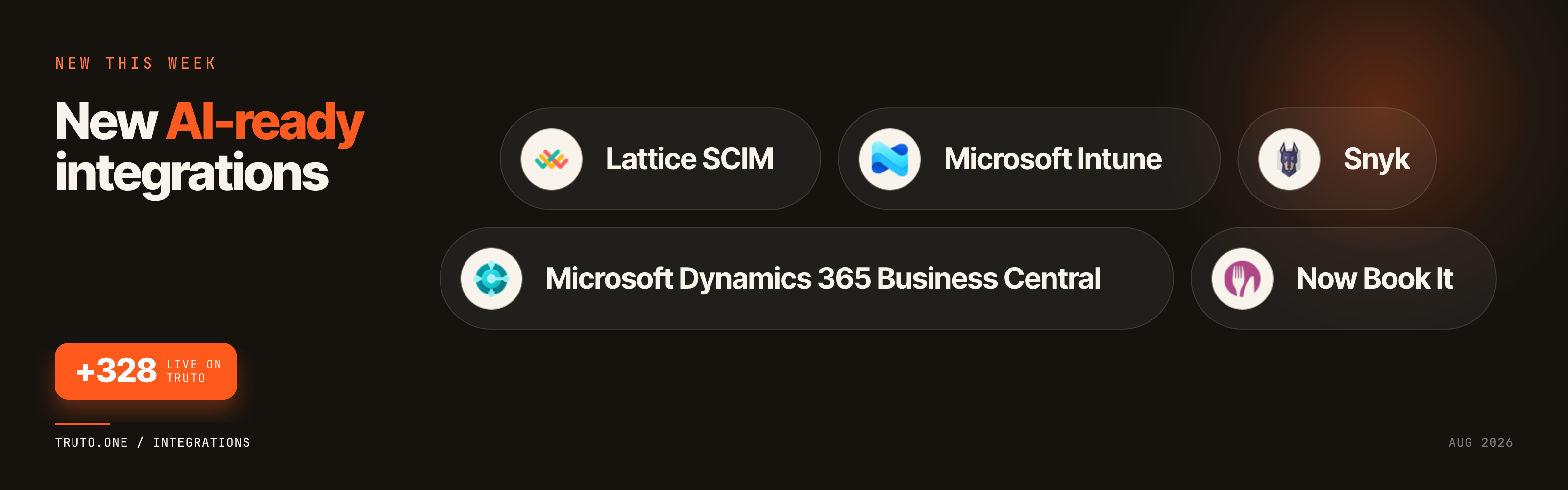
- Lattice SCIM: Provision and deprovision Lattice users from AI-driven HR and identity workflows.
- Microsoft Intune: Give AI agents access to managed device inventory, compliance state, and remote device actions.
- Snyk: Connect AI workflows to developer security organization and user directory data.
- Microsoft Dynamics 365 Business Central: Bring cloud ERP customers, invoices, and financial records into AI workflows.
- Now Book It: Let AI agents manage restaurant bookings, customers, sales, and gift cards.
Integration Improvements
We shipped AI-ready integration improvements for Notion and SharePoint this week.
Unified APIs
We expanded Unified API coverage into two new categories.
Microsoft Intune
Microsoft Intune is now available through the Unified MDM API, so you can read managed device data across Intune and other MDM providers using one schema. The newly supported resources include mdm/devices, mdm/apps, mdm/users, and mdm/organizations.
Granola
Granola is now available through the Unified Conversational Intelligence API. You can access conversational-intelligence/meetings, conversational-intelligence/transcripts, and conversational-intelligence/users to pull meeting metadata, attendees, and transcript entries alongside other meeting intelligence providers.
🎨 Dark mode
You can now use Truto in light mode, dark mode, or match your device. The theme applies across the dashboard, settings, and Assistant, so the whole app stays consistent. Switch anytime, or let Truto follow your system theme automatically.
⚙️ Developer Experience
Truto Assistant When you ask the Assistant to update how an integration maps data, those changes now apply to the integration you are working on — not a shared default. It also only confirms a change when it actually saved, so you will not get a success message for something that never went through.
🛠️ Fixes and Reliability
- Sync jobs: Fixed a bug where creating a sync job from the UI could put it in the wrong environment — for example, a job you created in production showing up in staging. New sync jobs now stay in the environment you have open.
- Integrated accounts: Fixed a bug where changing how an account authenticates could drop its saved credentials. Switching auth method (for example from OAuth to client credentials) looked like it worked at first, then failed later when Truto tried to refresh. We now keep the credentials for the new method and only drop the old ones, so the account stays connected in the environment you are working in.
- Resources field: The dropdown for the resources field now lists custom resources as well as the default ones.