


Changelog
Product update of the week: Year 4 • Week 33

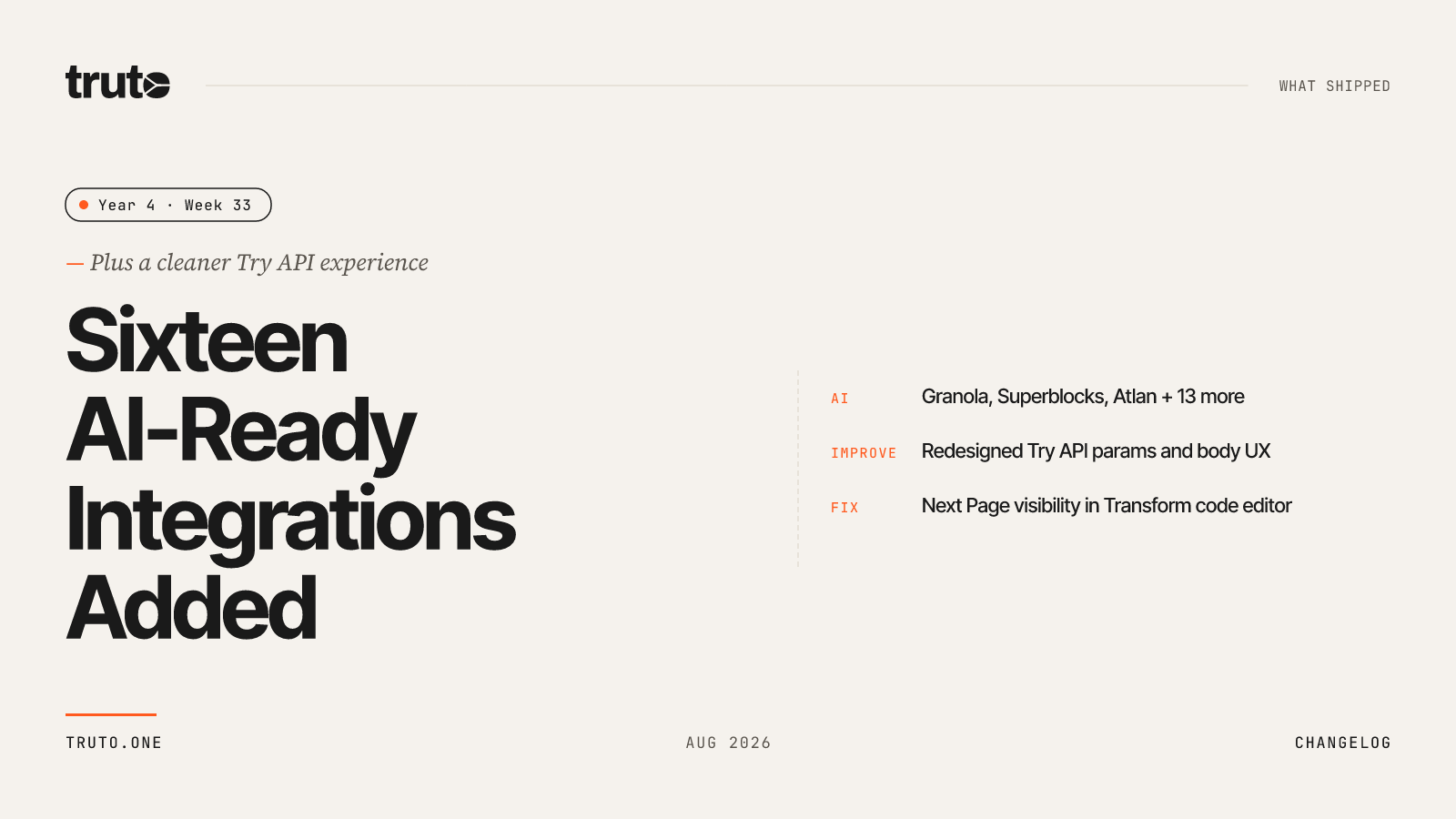
New in Truto: 16 new AI-ready integrations and a cleaner Try API experience
We expanded Truto's catalog with 16 new AI-ready integrations across sales, marketing, infrastructure, and more. We also redesigned how query params and body fields work in Try API, so required fields stay visible and optional ones stay out of the way until you need them.
✨ Highlights
- Added 16 new AI-ready integrations, expanding connectivity for tools like Klaviyo, Outreach, Atlan, Metriport, and RabbitMQ
- Redesigned Try API params and body UX with clearer required fields, optional “Add parameter” controls, boolean dropdowns, and enum presets
- Fixed Next Page staying visible after opening the Transform code editor
🤖 AI-ready integrations
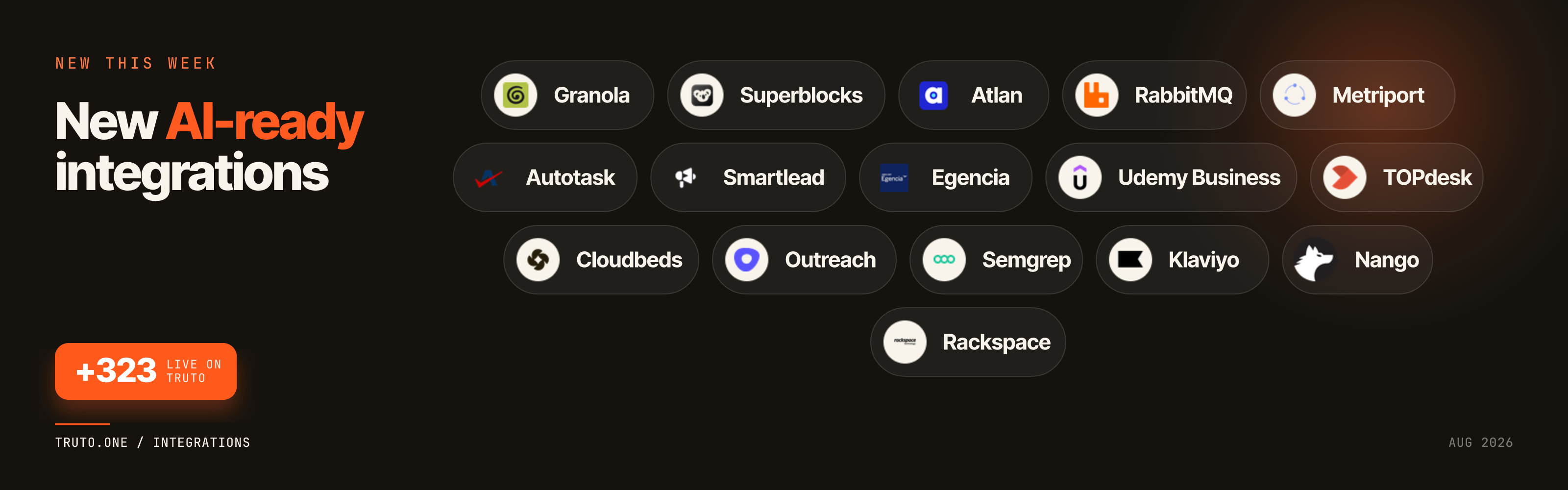
This week we expanded our AI-ready catalog, bringing the live total to 323 supported platforms. Developers have more ways to build AI workflows, assistants, and automations on top of Truto:
- Granola: Connect AI assistants to meeting notes and transcription workflows.
- Superblocks: Empower AI agents to interact with custom internal tools and business logic.
- Atlan: Give AI workflows access to enterprise data catalogs and active metadata context.
- RabbitMQ: Integrate AI applications directly with message queues and event-driven architectures.
- Metriport: Build AI healthcare assistants that securely access standardized patient and device data.
- Autotask: Connect AI workflows to IT service management, ticketing, and MSP operations.
- Smartlead: Power AI agents to manage cold email campaigns and prospect engagement.
- Egencia: Give AI assistants visibility into corporate travel bookings and itinerary management.
- Udemy Business: Integrate AI tools with enterprise employee training and course catalogs.
- TOPdesk: Empower AI workflows to triage, update, and manage IT helpdesk tickets.
- Cloudbeds: Build AI agents that interact with hotel property management and booking data.
- Outreach: Connect AI assistants to sales engagement workflows, sequences, and pipeline metrics.
- Semgrep: Integrate AI developer tools with code security scans and vulnerability reports.
- Klaviyo: Give AI workflows access to e-commerce marketing campaigns and customer segments.
- Nango: Connect AI agents to managed OAuth integrations and synced data pipelines.
- Rackspace: Empower AI assistants with visibility into managed cloud infrastructure and support.
⚙️ Developer Experience
Try API Params / Body UX
Try API now shows only what a request actually needs. Required and conditionally required query and body fields stay visible, with inline hints when a method accepts one of several fields.
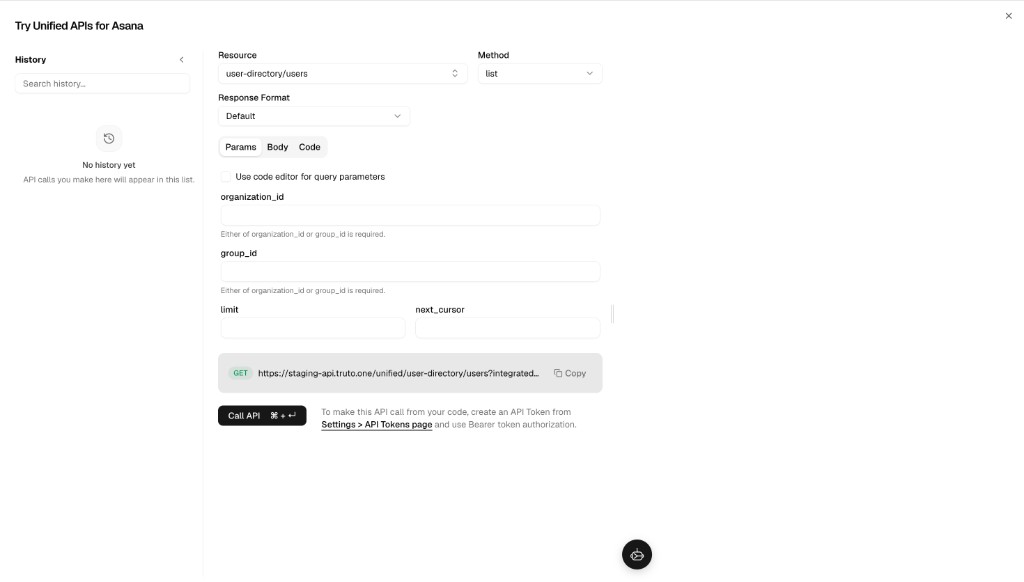
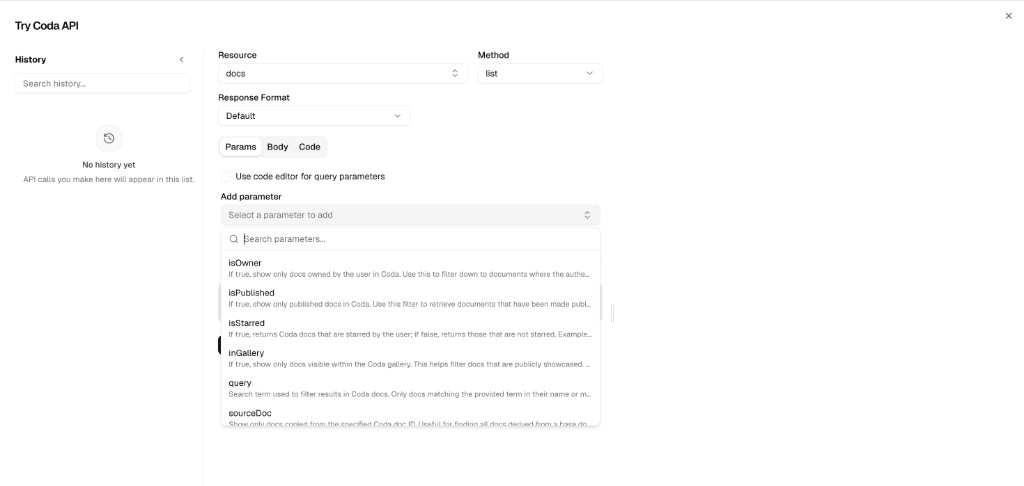
Optional fields no longer clutter the form. Add them from Add parameter and remove them once you no longer need them.
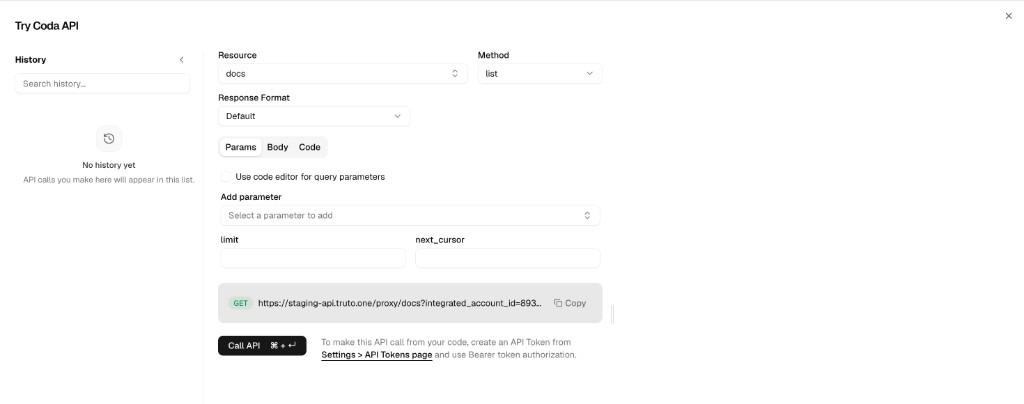
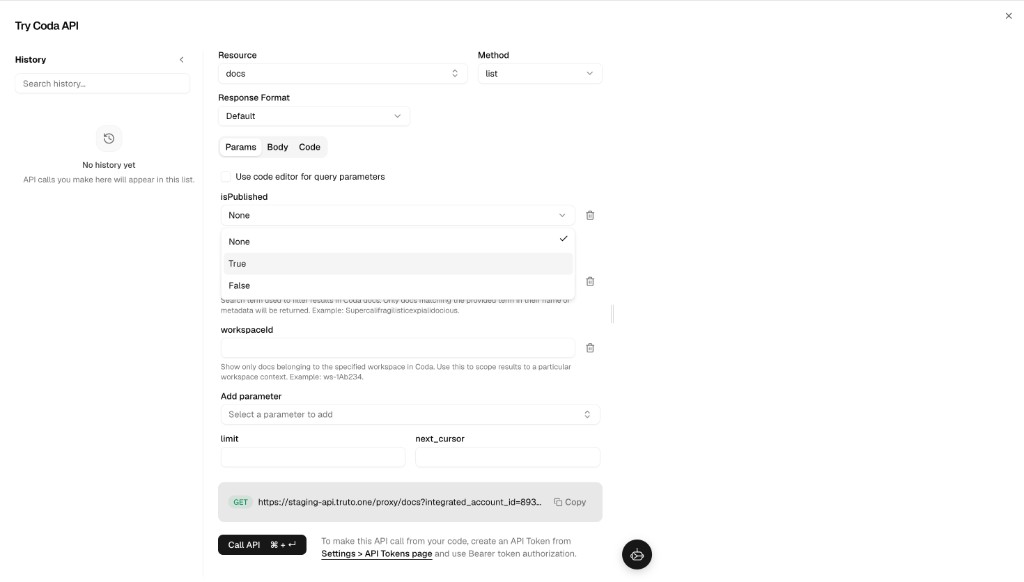
Boolean fields are dropdowns now, with None / True / False so you can leave a flag unset instead of guessing a value.
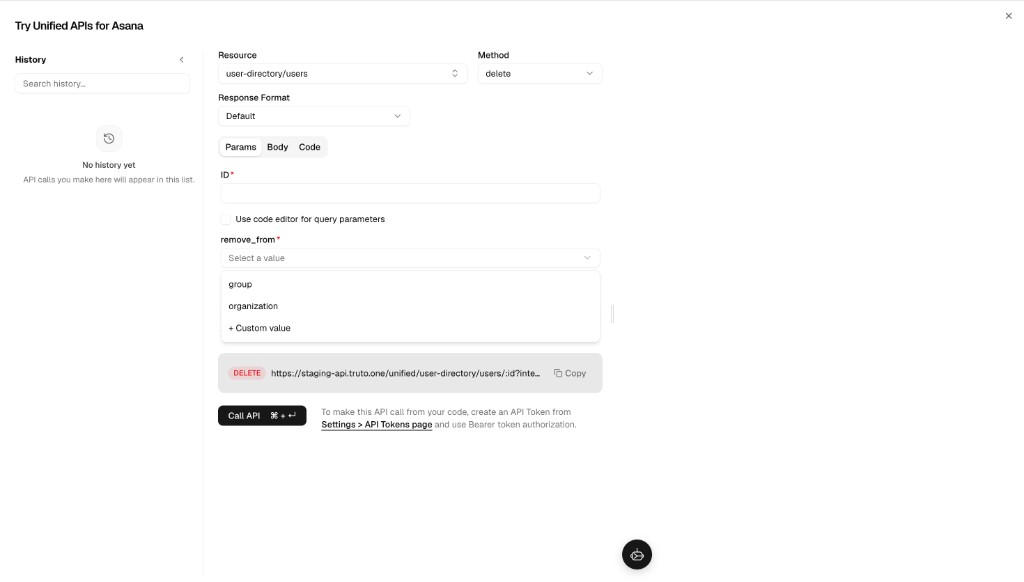
Enum fields list the documented presets and accept a custom value for anything outside the list.
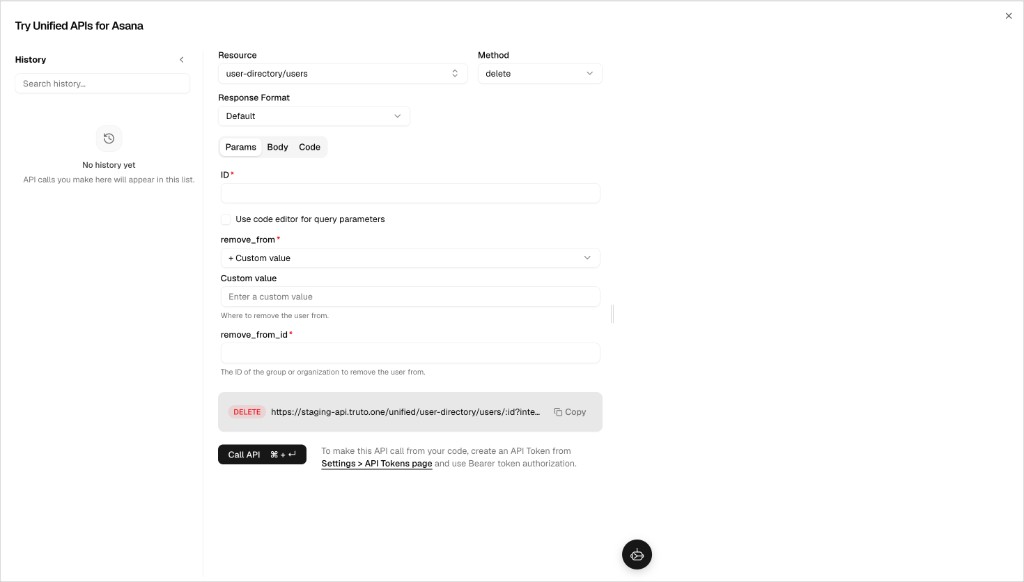
When at least one value is set, Try API shows how many parameters or fields are configured — including limit and next_cursor on list methods.
🛠️ Fixes and Reliability
- Try API: The Next Page option stays visible after opening the Transform code editor.